How to Stop Retyping Every Vendor Email Into a Spreadsheet by Hand
28 July 2026 · 6 min read

Most studios already have a system for tracking vendor logistics. It usually looks like this: read the email, decide if it matters, open the spreadsheet or CRM, type in the deadline or task, and repeat for every vendor and every event. It works, technically. It's also the exact process that breaks down the moment the calendar fills up, because every step depends on one person doing it by hand, every single time.
Why manual re-entry breaks down
The failure mode isn't dramatic. It's a Tuesday where three vendor emails come in during a client meeting, and by evening two of them are forgotten entirely. It's a deposit due Friday that never gets read because it was buried in a longer message about six other contract details. It's not that the system is badly designed; it's that it requires perfect attention from one person, every day, indefinitely, and nobody's attention actually works that way.
The real cost: it all sits with one person
The deeper problem shows up even on the weeks nothing gets missed: one planner is doing all the reading, all the deciding, and all the typing, and everyone else on the team is dependent on that person noticing things. A shared tracker looks like shared visibility, but if only one person is putting entries into it, it's really just that person's attention with a nicer interface.
What changes when you forward instead of retype
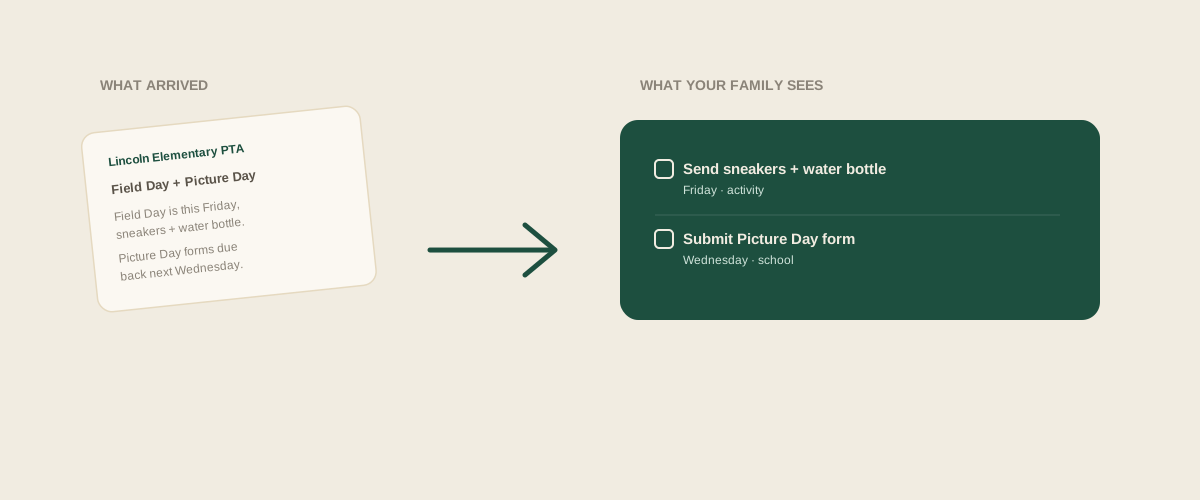
The alternative isn't a better spreadsheet. It's removing the retyping step entirely: forward the vendor email, contract, or screenshot of a text exactly as it arrived, and let something else read it and pull out what's actually actionable. You're not summarizing it yourself, and you're not deciding in advance what counts as a task. You just forward it.
A worked example
A real vendor email might read: "Hi! Just a reminder that we need your final headcount by this Friday to finalize the order. Also, the remaining balance of $2,400 is due one week before the event." Retyped by hand, that becomes two separate spreadsheet entries someone has to notice, word correctly, and remember to add. Forwarded instead, it becomes two clear tasks on a shared board: confirm the final headcount by Friday, pay the remaining balance one week out, each visible to the whole team and assignable to whoever is actually handling that vendor.
Common mistakes when trying to fix this yourself
Forwarding an email to yourself and meaning to deal with it later, which just moves the problem into a different inbox. Building a shared tracker without a shared habit of actually updating it, so it quietly becomes one person's tracker again. Trying to summarize every message perfectly before entering it, which adds friction and means messages pile up on the busiest weeks instead of being processed immediately.
Where to start
If your studio's actual bottleneck is the reading and retyping, not the tracker itself, the fix isn't a better spreadsheet to type into. It's forwarding things exactly as they arrive and letting the extraction happen automatically, so the shared board reflects what actually came in, not just what one person had time to notice and type up.
Frequently asked questions
Do I have to change how I already receive vendor emails or texts?
No. You keep receiving them exactly as you do now. The only change is forwarding them to one address instead of reading, deciding, and manually retyping them into a tracker yourself.
What if the extracted task is wrong or missing a detail?
A well-built extraction tool should leave a date or detail blank rather than guess when the original message wasn't clear, so you can fill it in yourself rather than trust an invented date. Worth checking how a tool handles a handful of your own real vendor messages before relying on it for something with a hard deadline.
Does this replace assigning tasks to specific team members?
No, it feeds into it. Extraction pulls the task out of the message; assigning it to whoever's actually handling that vendor (and reassigning it later) is still a separate, usually manual step, though some tools try to guess an assignee from context in the message itself.
Is this only useful for caterer or venue emails?
No. The same problem shows up with florists, photographers, DJs, and rental companies. Anything with a deadline, a deposit, or something to confirm is the same underlying pattern regardless of which vendor it came from.
Get your studio address, free
Get your studio address
