4 Ways Studios Try to Track Vendor Quirks and Requirements (And Where Each Still Lives in One Planner's Head)
7 September 2026 · 7 min read
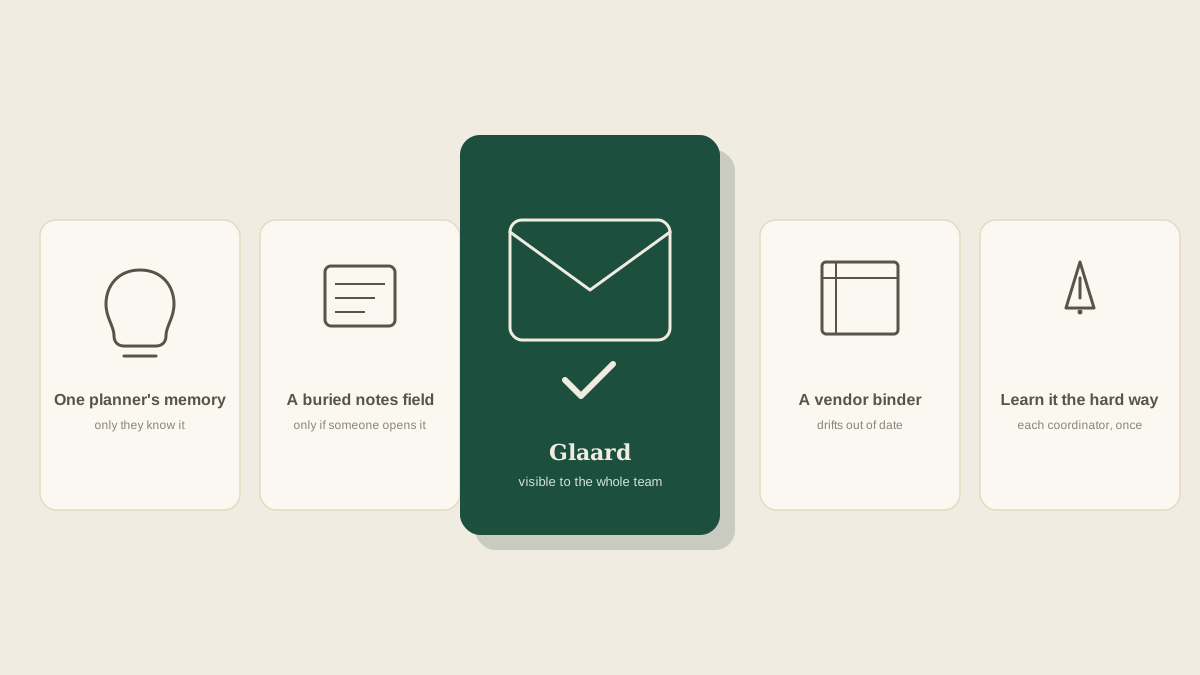
Every vendor a studio works with regularly develops its own set of quirks: this florist needs 48 hours notice for any change to the order, that caterer wants final numbers ten days out instead of the usual seven, this venue requires vendors to check in at a side door instead of the main entrance. None of it is written into a contract. It's the kind of thing a planner picks up over a season of working with someone, and it usually ends up living somewhere less official than any tracker the studio actually uses.
It lives in the lead planner's memory
The most common place vendor quirks end up is nowhere written down at all, just accumulated knowledge the lead planner carries from one event to the next. It's efficient in the moment, since the planner who's worked with a vendor for three seasons doesn't need to look anything up, they just know the florist needs extra lead time. The problem shows up the first time someone else on the team has to deal with that vendor without the planner in the room, and there's nothing to consult except a text asking, does this vendor need anything special?
A notes field buried in the CRM
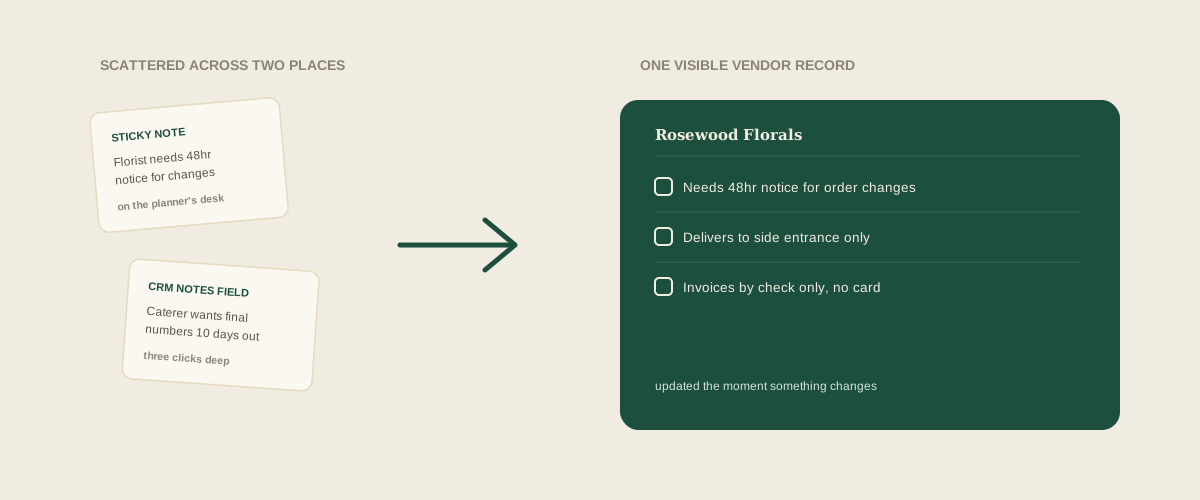
Some studios do write it down, tucked into a notes field on the vendor's profile in whatever CRM or spreadsheet the studio uses. This is real progress over pure memory, since the information at least exists somewhere outside one person's head. The catch is that a notes field only helps if someone thinks to open it before reaching out to that vendor, and under time pressure, on a Tuesday with six other things happening, checking a notes field is exactly the kind of extra step that gets skipped, right up until the florist gets 24 hours notice instead of the 48 they actually need.
A shared vendor binder or reference page
A few studios go further and build an actual reference document per vendor: preferred contact method, standard lead times, billing quirks, things that went wrong last time and how they got fixed. This is the most complete version of the previous approach, and it genuinely helps a new coordinator ramp up faster than memory or a one-line note ever could. It carries the same weakness as any reference document nobody's required to update: accurate the week it's written, and gradually out of date as vendors change their own policies, unless someone owns keeping it current, which is itself one more task competing with actual event work.
Learning it the hard way, vendor by vendor
The honest fourth approach is no approach at all: the studio doesn't track quirks anywhere, and each coordinator learns a vendor's preferences by getting it wrong once. Order the flowers with the usual lead time and find out this vendor actually needs 72 hours, not 48. Send the final headcount seven days out and get a call back that this caterer needed it at ten. It's not really a strategy, more what happens by default when nothing else is in place, and it means every new team member re-learns the same lessons the last one already paid for.
Why every approach still depends on the same memory
Look at all four, and the common thread is that each one requires someone to have written the information down accurately in the first place, and then relies on whoever needs it later actually going and looking. Memory has no lookup step at all, quirks live in the planner's head or nowhere. Even a well-maintained binder still requires someone to read it before reaching out to the vendor, the same voluntary step a notes field asks for, and the exact step a busy week is most likely to skip. None of these fix the real problem, which is that a vendor's quirks need to be visible at the moment they matter, not sitting somewhere waiting to be consulted.
How to choose
If your studio works with the same handful of vendors season after season and the lead planner handles nearly all the contact, memory mostly works, right up until that planner is out or the studio takes on someone new. A notes field or a shared reference document is worth the setup once more than one person is reaching out to vendors regularly, since it at least gives a new coordinator somewhere to look. Whichever of these a studio is already using, the real fix is putting a vendor's known quirks on the same shared board everyone already checks, updated by whoever encounters the change, so nobody has to remember a separate document exists before it's too late.
Frequently asked questions
What counts as a quirk worth tracking, versus something not worth writing down?
Anything that would cause a real problem if missed is worth tracking: lead time requirements, preferred contact method, billing or invoice quirks, access or check-in details specific to a venue. A vendor's general friendliness or preferred small talk topic isn't the kind of thing that needs a record.
Isn't a CRM notes field basically the same as a shared vendor record?
It can be, if people actually check it before reaching out. In practice a notes field buried a few clicks into a vendor's profile is easy to forget exists, especially for a coordinator who's new to that particular vendor and doesn't yet know to look for it.
How do you keep a vendor reference document from going stale?
The most reliable way is updating it the moment something changes, right when a vendor mentions a new requirement, rather than trying to schedule a periodic review. A document that only gets revisited once a season is usually already out of date by the time anyone opens it again.
Does this matter for a studio with just one planner and no team yet?
Less urgently, since the person carrying the knowledge and the person using it are the same, for now. It's worth setting up before that studio brings on a second coordinator or assistant, not after, since retrofitting a vendor record onto a team that's already working from memory is harder than starting with one in place.
Get your studio address, free
Get your studio address
