4 Ways Studios Run the Weekly Vendor Status Check-In (And Where Each One Turns Into a Meeting About Nothing)
5 October 2026 · 6 min read
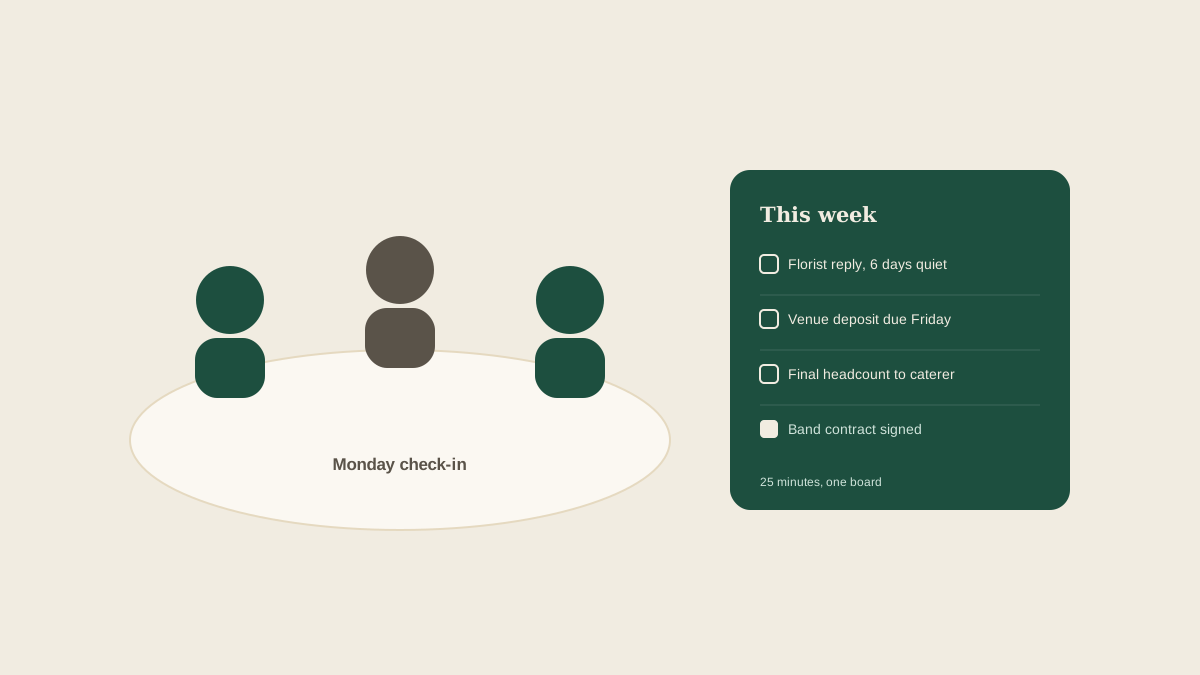
Once a studio has a lead planner and a couple of coordinators, someone suggests a weekly check-in to keep everyone on the same page about vendors. It is a sensible idea. It is also easy to do badly. The meeting starts at 10, runs to 11:15, and ends with everyone agreeing that the florist needs to be chased, which everybody already knew. A week later the same item is back on the list, and nobody can say who owns it.
A good check-in answers three questions: what is waiting on a vendor, what is waiting on a client, and what is due in the next two weeks. Here are four formats studios use to answer them, and where each one tends to fall apart.
1. The round-the-table update
Each person goes through their weddings in turn and says what is happening. This is the most common format because it needs no preparation. It works for a team of two with a handful of events.
It breaks as soon as volume grows. People report what they remember rather than what is outstanding, so the vendor who has not replied in nine days is never mentioned because nobody is thinking about them. The meeting also scales badly: five coordinators with six weddings each means thirty minutes of narration, most of it irrelevant to the person listening. And what is said aloud is not written down, so the action items live in whichever notebook happened to be open.
2. The shared spreadsheet walk-through
The team keeps one tracker with a row per vendor and columns for status, last contact, and next step, then walks through it on the call. This fixes the memory problem, because the tracker holds what people forget.
The weakness is upkeep. A spreadsheet is only as current as the last person who edited it, and the people most likely to forget are the busiest ones. By the second week the sheet is half a week stale and the meeting turns into everyone updating their rows live, which is the one job that should have happened when the emails arrived. Spreadsheets also give no signal for what has gone quiet. A row that says "waiting on reply" looks identical on day two and day twelve.
3. The pre-meeting email digest
Some studios ask each coordinator to send a written summary the day before: open items, risks, anything needing the lead planner's decision. Reading is faster than listening, and it forces people to think before the call.
The catch is that it moves the work rather than removing it. Writing the summary means pulling together the same scattered emails and texts the meeting was meant to help with, so it gets skipped in a busy week, which is exactly the week it matters. The lead planner also ends up reading six differently structured summaries and mentally merging them into one picture. Items buried in a long paragraph get missed.
4. The board-first check-in
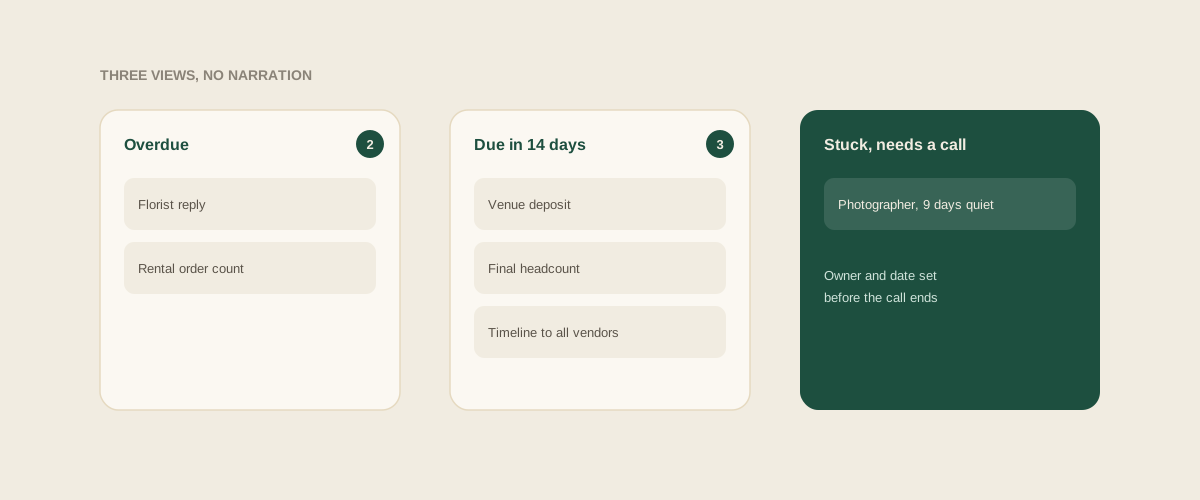
Here the meeting is built around one shared board where every vendor email, contract date and deposit deadline has already become a task with an owner and a due date. Nobody narrates. The group looks at three views: overdue, due in the next fourteen days, and waiting on someone for more than a few days. The discussion is only about the items that are stuck.
This format works because the board is updated as work happens, not before the meeting. Forwarding a vendor email into the shared inbox adds the task at that moment, so by Monday the picture is already current. The meeting shrinks to twenty minutes and spends its time on decisions: reassign this, escalate that, call the venue rather than email again.
Its weakness is discipline in the other direction. If people keep half their vendor conversations in private texts and never forward them, the board is incomplete and the team trusts it less each week. The fix is a simple house rule that anything a vendor commits to gets forwarded the same day.
What a good check-in actually produces
Whichever format you choose, judge it by what leaves the room. Every item needs a named owner and a date. Anything waiting on a vendor for longer than your agreed limit, say three working days, gets a different kind of follow-up, such as a phone call. Anything waiting on a client gets a specific question sent that day. If you cannot point to who is doing what by Friday, the meeting did not do its job.
Keep it short and keep it regular
Shorter beats longer. A fixed twenty-five minute slot at the same time each week, with the board open, is more useful than a ninety-minute session scheduled when someone remembers. If an item needs more than two minutes of discussion, pull it into a separate conversation with the two people involved and let everyone else go.
Where to start
If you currently run the round-the-table version, do not rebuild everything. For the next four weeks, change one thing: before the meeting, open whatever list of open vendor items you have and sort it by oldest unanswered. Start the call there. You will find the quiet vendors immediately, and you will see whether the real problem is the meeting or the place the information lives.
Frequently asked questions
How often should a studio hold a vendor status check-in?
Weekly is the usual rhythm, with a short extra check in the final two weeks before a wedding. In peak season, some studios add a fifteen minute mid-week touchpoint for events happening that weekend.
Who should run the meeting?
The lead planner or studio manager, but the agenda should come from the board, not from memory. Rotating who reads out the overdue list keeps everyone engaged and spreads ownership.
How long should the check-in take?
Aim for twenty to thirty minutes. If it regularly runs over an hour, you are probably narrating status that a shared board could show, or discussing items that belong in a smaller conversation.
What if coordinators forget to update the tracker?
Make capture automatic where you can, for example by forwarding vendor emails to a shared address so they become tasks without retyping. Pair that with one simple rule: anything a vendor commits to is forwarded the same day.
Get your studio address, free
Get your studio address
